Visual Closet
Download the app →

Your wardrobe,
illustrated by hand.

A wardrobe drawn by hand, not photographed. Tell it what you own and every piece is drawn in your colors, then ask it what to wear.
Free to try. The rack and the closet are yours from the first tap.

New in 1.5 · new shoes, and widgets Coming to the App StoreDownload on the App Store

No photos. No cropping.
No cataloging every tag in your closet.

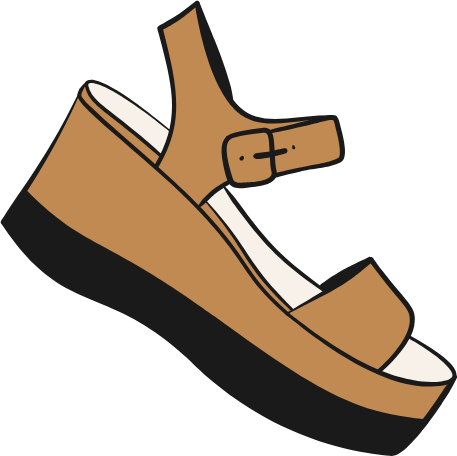
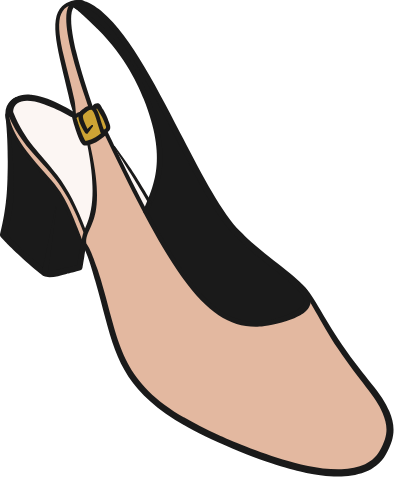
New in 1.5 · eleven shoes

New this fall, drawn by hand

New in 1.5 · on your Home Screen

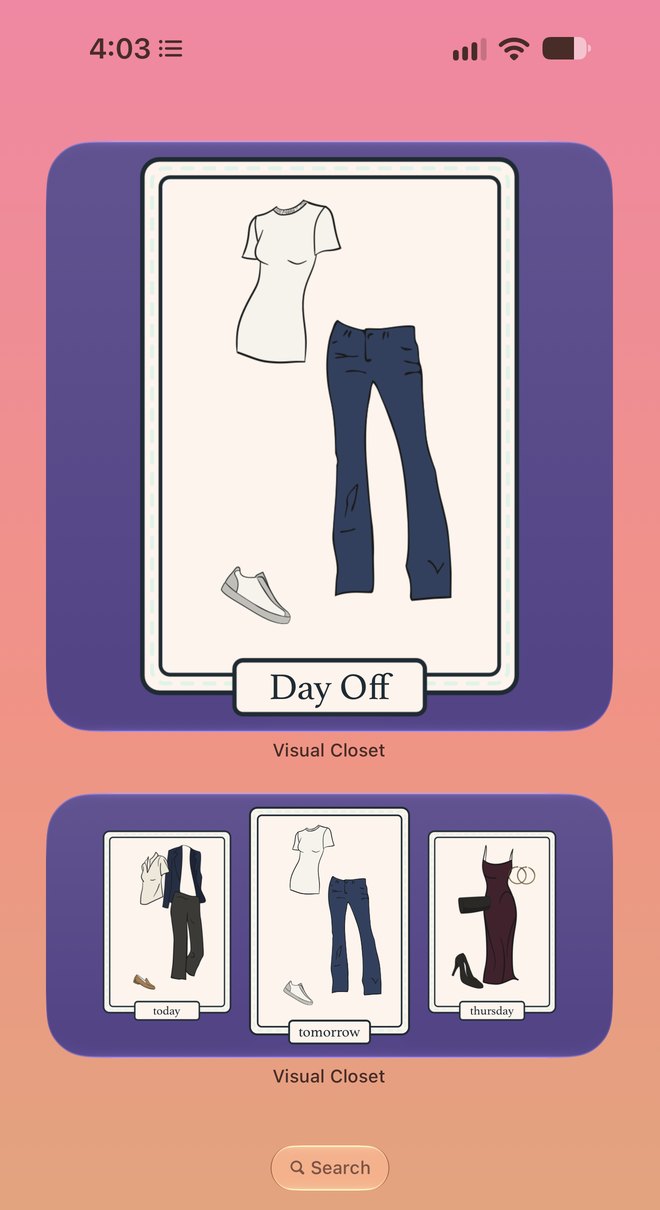
Tomorrow's outfit, poster-size.

Two new widgets, Tomorrow and Laid Out, put the outfits you planned right where you'll see them, drawn just as they are in the app. The biggest one fills half the screen.

Tap a card and the app opens on that day.

To add one, touch and hold your Home Screen, tap Edit, then Add Widget, and find Visual Closet.

An iPhone Home Screen with the large Tomorrow widget showing tomorrow's outfit, a white tee, dark jeans and sneakers, and the medium Laid Out widget with today, tomorrow and Thursday
A real Home Screen.

Drawn, then made yours

You don't need to stand in your closet.

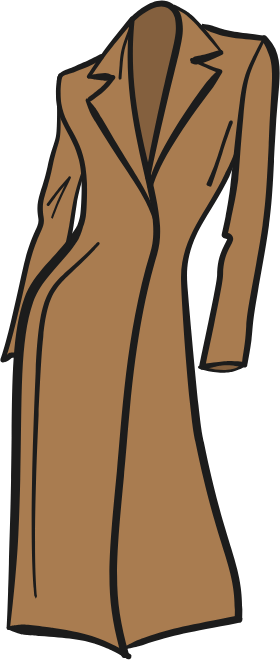
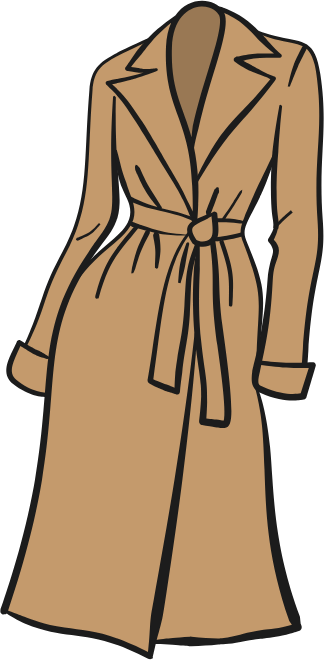
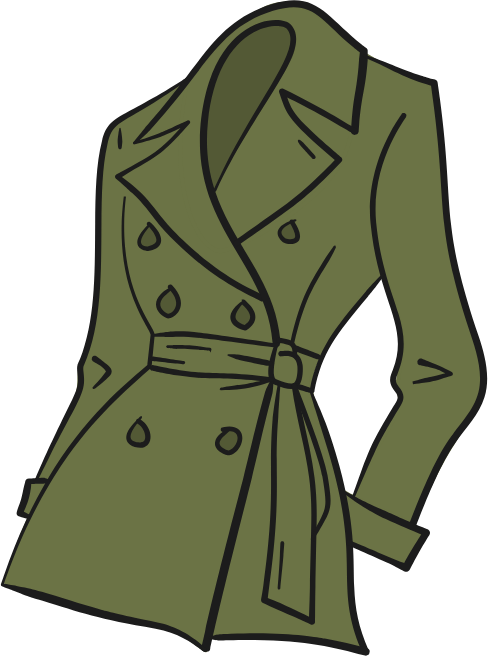
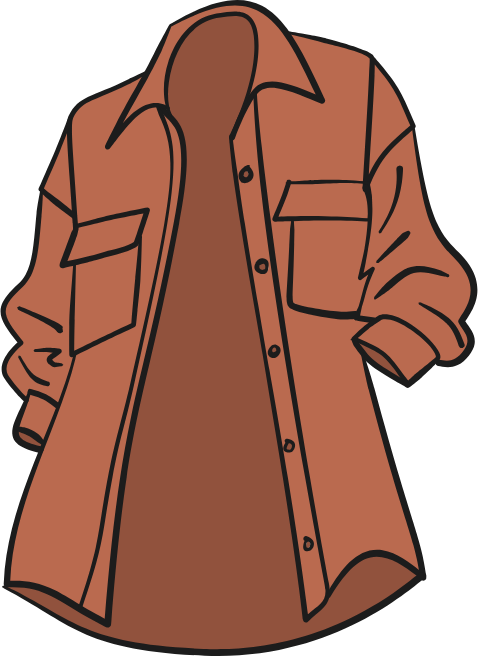
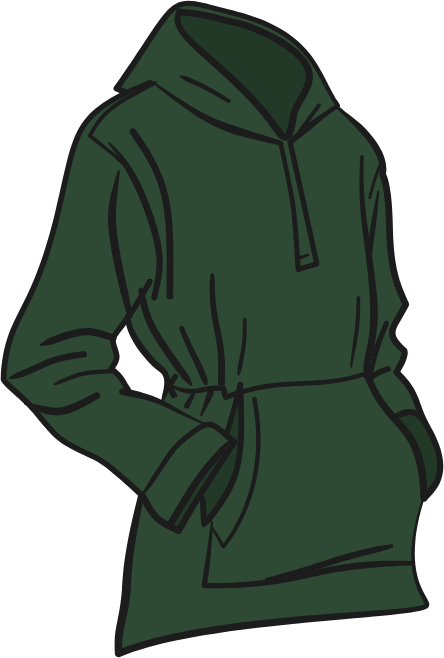
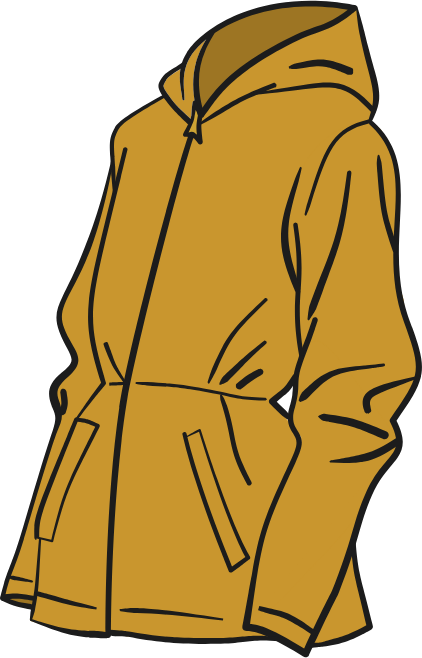
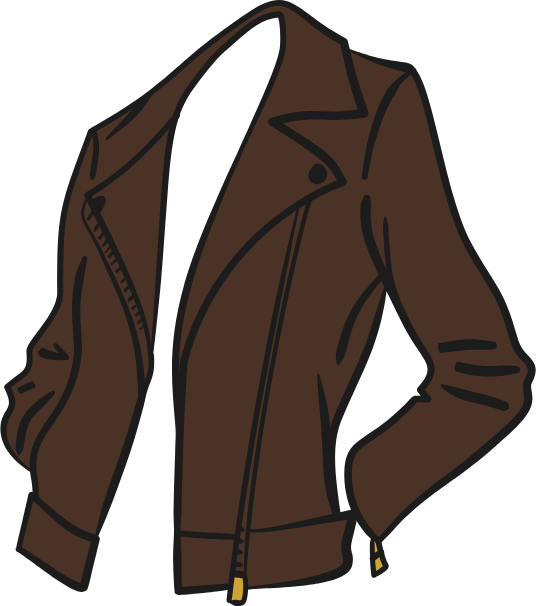
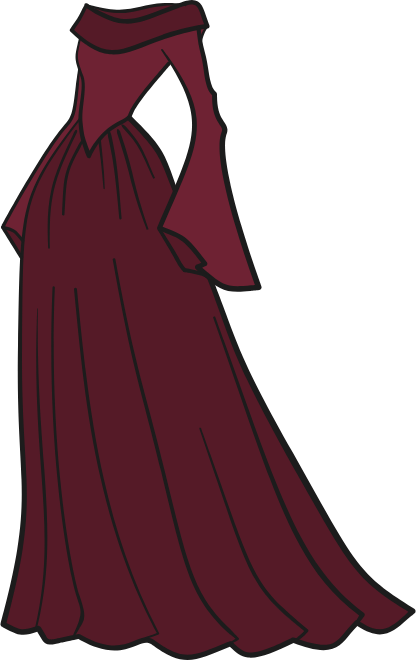
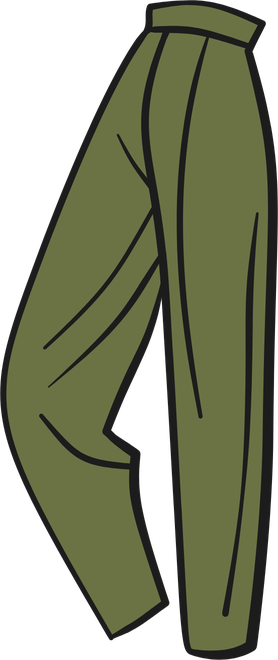
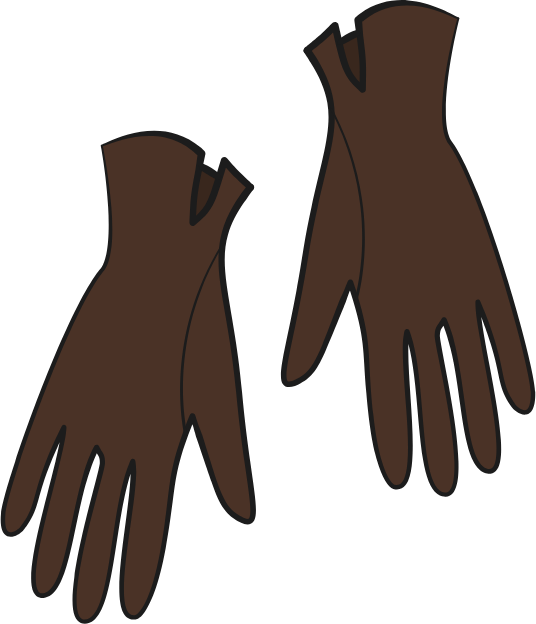
Every piece in Visual Closet is drawn by hand, then made yours. Pick your colors. Add a pattern. Pinstripes or hearts, whatever feels right.

Tops, bottoms, dresses, outerwear, swim, shoes and accessories are all there to mix, match, layer and rearrange into more combinations than you'll ever get through.

The whole closet, one go

Just tell it what you've got.

Say a few pieces or type a list, and they're all drawn at once, each already in the color you said. Tap any one to change its color or pattern, then save them all.

"charcoal overcoat, cream turtleneck, olive barrel pants, burgundy beanie, tan booties"

On iPhones with Apple Intelligence it reads even more, like brand names or "the one with the hood," using Apple's on-device model. It's read on the phone itself.

Filling your closet takes a cup of coffee, not a weekend.
Real app, real speed.

The Magic Hanger

Ask it for an outfit.

Tap the starry hanger on the outfit card and tell it what you need an outfit for. It puts one together from your own closet, and tells you how it read you.

If your closet is missing a piece, it says what would finish the outfit, and one tap takes you to the rack to add it.

The week, dealt

Play your week like a hand of cards.

Plan a Look onto any day and it becomes a little tailor's ticket of its own. The plans page opens on the next three days, hanging from the rod, with tomorrow front and center. Swipe through a day's options, keep the one you like, and send it to a friend for applause.

Monday morning, date night, theme park, Hawaii — deal yourself something good and call it handled.

Somewhere good to live

The closet you want.

Change the whole mood with a tap on a fabric swatch or a flip of the light switch.

Retreat
Champagne
Petals
Poolside
Moss
Tiramisu
The Atelier
Miami

Pick the one that feels like you, and change it whenever it doesn't.

Private by design

Nothing leaves your phone.

No account, no sign-in, no server. Your closet, your outfits and your plans live on your iPhone, and the App Store privacy label reads Data Not Collected. Even the smart parts read your words on the device.

Made by one person

A closet started twenty years ago.

Visual Closet began as my grandmother Kathleen's idea, about twenty years ago. I was the kid in the family who could draw in vectors, so I drew the clothes for her, not knowing what a camisole was. Years later I found the old files and finished it. A lot of the pieces in the app are those originals; the rest I draw now, at night.

Her line for it was "make morning simple." That's still the whole idea. The full story →

Hear it from me · sound on

Your clothes are already there. Visual Closet just helps you see what to do with them.

Coming to the App StoreDownload on the App Store

Prepared is chic.